

Screenshots





About Gmail
-
App Name
Gmail
-
Package Name
com.google.android.gm
-
Developer
Google LLC -
Category
Communication -
Rating
4.2
-
Version
2026.04.06.899171334.Release
Introduction to Gmail
The Gmail app is an essential tool for managing emails effectively and efficiently on both Android and iOS devices. As a staple component of Google's suite of productivity applications, Gmail provides a seamless, intuitive experience that integrates with various other Google services. Whether you're a business professional or a student, the Gmail app offers robust functionalities that ensure you stay connected and organized. With the free Gmail app, users gain access to a suite of features designed to enhance productivity. Download Gmail today to explore the capacity of its comprehensive interface, built for both personal and professional email management. Don't miss out on the opportunity to experience effortless email management — install Gmail on your device and simplify your digital communication today!
Features of Gmail
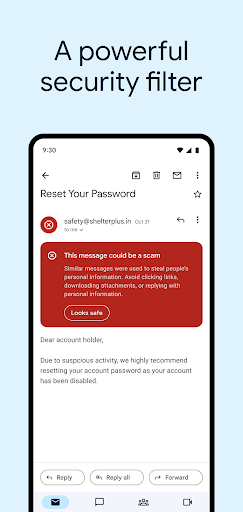
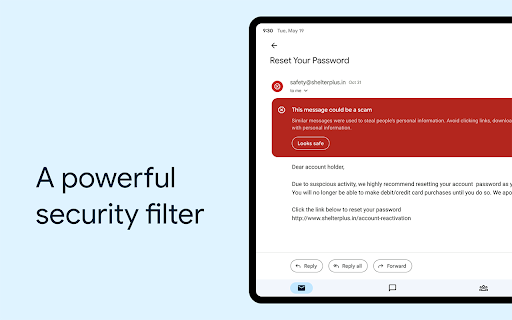
1. **Robust Security**: One of the standout capabilities of the Gmail app is its exceptional security measures. Gmail installation ensures that more than 99.9% of spam, phishing attempts, malware, and dangerous links are automatically blocked from reaching your inbox. This level of security gives users peace of mind, allowing them to focus on essential communications.
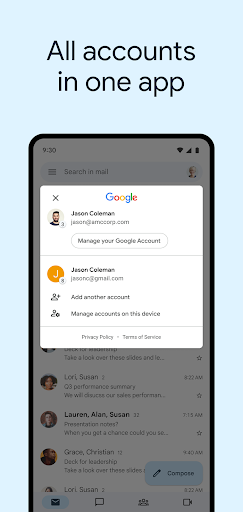
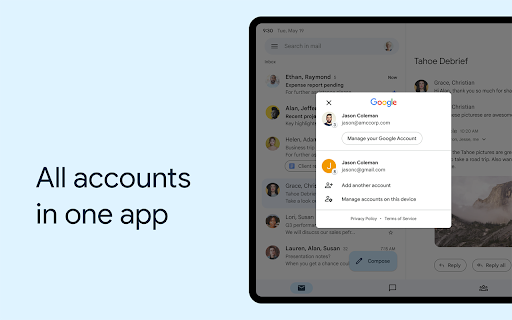
2. **Multiple Account Support**: With the Gmail app, you can effortlessly switch between multiple Gmail accounts, making it convenient for those who manage both personal and work emails. This feature allows seamless login Gmail transitions without needing to log out and log back in repeatedly.
3. **Real-Time Notifications**: Stay updated with instant notifications that alert you to new emails as they arrive. Users can choose from notification center alerts, badge updates, and lock screen notifications, ensuring that important communications are never missed. The free Gmail app's notification system keeps you informed and engaged.
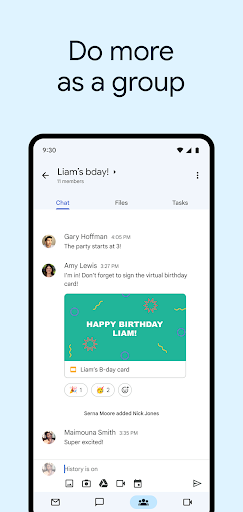
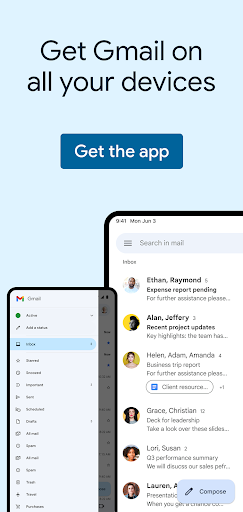
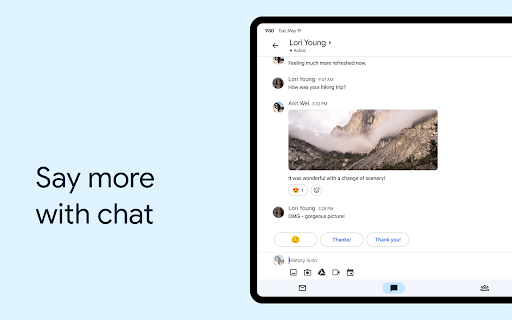
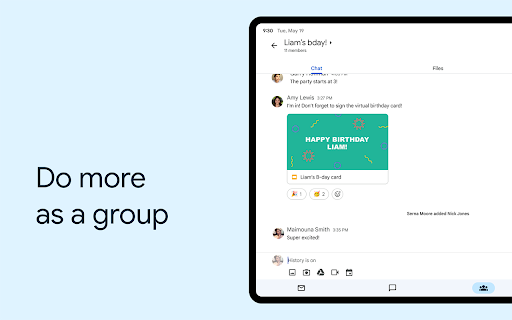
4. **Integrated Google Services**: The Gmail app integrates with Google Workspace, providing access to Google Chat, Google Meet, and Spaces right from your inbox. This integration allows for collaborative features, making it simpler to connect and organize with peers efficiently.
5. **Advanced Search Functions**: Enhance your ability to locate specific emails quickly with Gmail's powerful search capabilities. The search feature offers instant results, predictions as you type, and spelling suggestions, streamlining the process of sorting through extensive email archives after you download Gmail.
Pros
1. **User-Friendly Interface**: One of the key advantages of the Gmail app is its user-friendly interface. Designed intuitively, the app makes email management straightforward, even for those not particularly tech-savvy. Users find it easy to navigate through different features and access various email functions with just a few taps after you execute the Gmail download.
2. **Exceptional Integration**: The Gmail app's integration with other Google services, such as Google Calendar, Google Drive, and Google Meet, is exceptionally seamless. This integration allows users to manage tasks, schedule meetings, and collaborate effectively without needing to exit the app, thus facilitating enhanced productivity and connectivity on Android and iOS devices.
3. **High Level of Security**: Security is a significant advantage of the Gmail app, offering users robust protection against threats. With machine learning models blocking over 99.9% of spam, phishing, and malware attacks, users can confidently handle sensitive communications within the app, knowing their data and privacy are safeguarded.
Cons
1. **Data Utilization**: One notable disadvantage of the Gmail app is its data consumption during routine operations. Data-heavy processes can occur during email synchronization, especially if multiple accounts are involved. For users with limited data plans, this could pose a challenge, necessitating mindful usage or dependence on Wi-Fi for consistent operations after Gmail installation.
2. **Complexity in Advanced Features**: While the Gmail app offers a variety of advanced features, some users may find it challenging to take full advantage of them without a steep learning curve. Options like Google Workspace integrations or Spaces might require additional learning for those unfamiliar with Google's ecosystem, limiting the quick and straightforward use expected when users first download Gmail.
3. **Notification Management**: Managing notifications on the Gmail app can sometimes be overwhelming due to the variety of alerts configured for multiple accounts. Users can be bombarded with notifications, potentially making it difficult to prioritize essential communications unless customized settings are adequately managed, which can be cumbersome for some users right after installing the free Gmail app.
In conclusion, the Gmail app stands out as a robust tool for email management, providing a host of features geared toward enhancing productivity and security for both Android and iOS users. While it has a few drawbacks in data usage and the complexity of some features, the pros undoubtedly outweigh the cons, making it a groundbreaking app in the landscape of digital communication. Whether for personal use or integrated into business processes, download Gmail and experience an elevated level of interaction and efficiency today.


